
Features / How it works
Share a link.
They pick a time.
Set up your appointment link in a few minutes. Guests choose an open time, and the booking lands on your calendar.
Start free. No credit card required.
Already have an account? Sign in
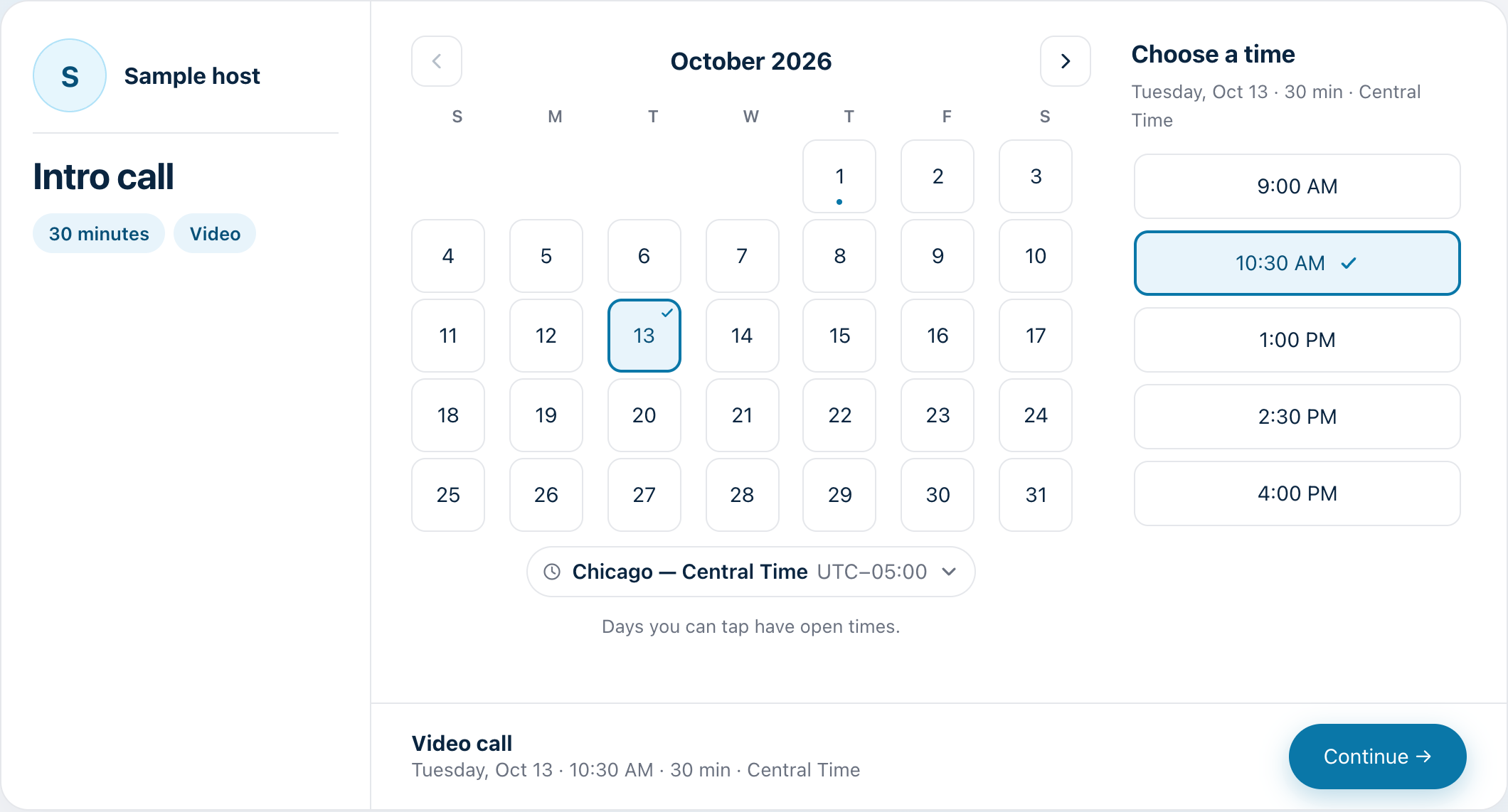
The booking page your guests see. Sample host and times.
Create your link in minutes.
Create your account, connect your calendar, and make a meeting type: its length, where you meet, and when you are free.
- Sign up with Google or an email and password
- Connect Google Calendar or Microsoft Outlook
- Create a meeting type for each kind of meeting
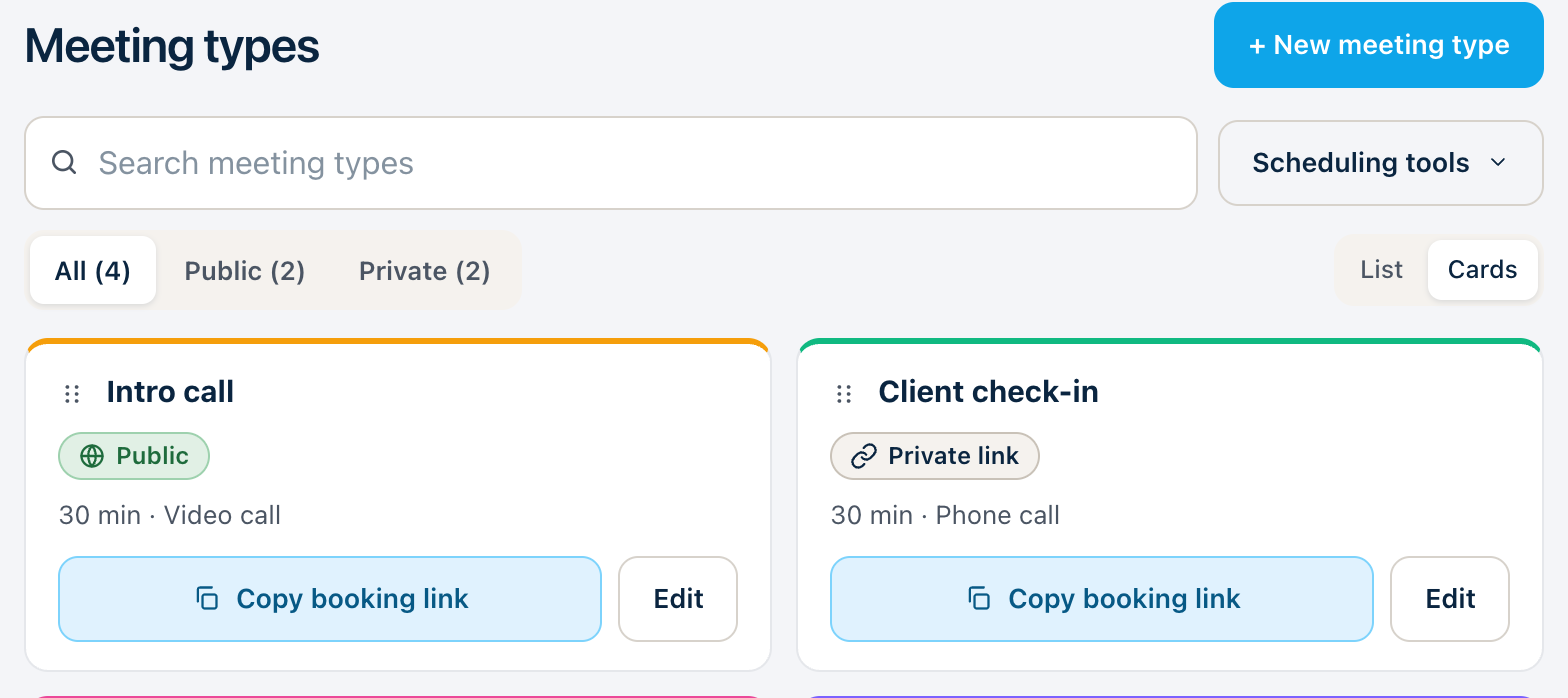
Let me send you my appointment link.
One simple link. Pick a day, time and location that is convenient for you.
Copy it from any meeting type and paste it into an email, a text or a message.
Create my appointment linkStart free. No credit card required.
Let me send you my appointment link. Pick a day, time and location that is convenient for you.
myappointment.ai/sample-host/intro-call
Example message and link preview. Sample name and link.
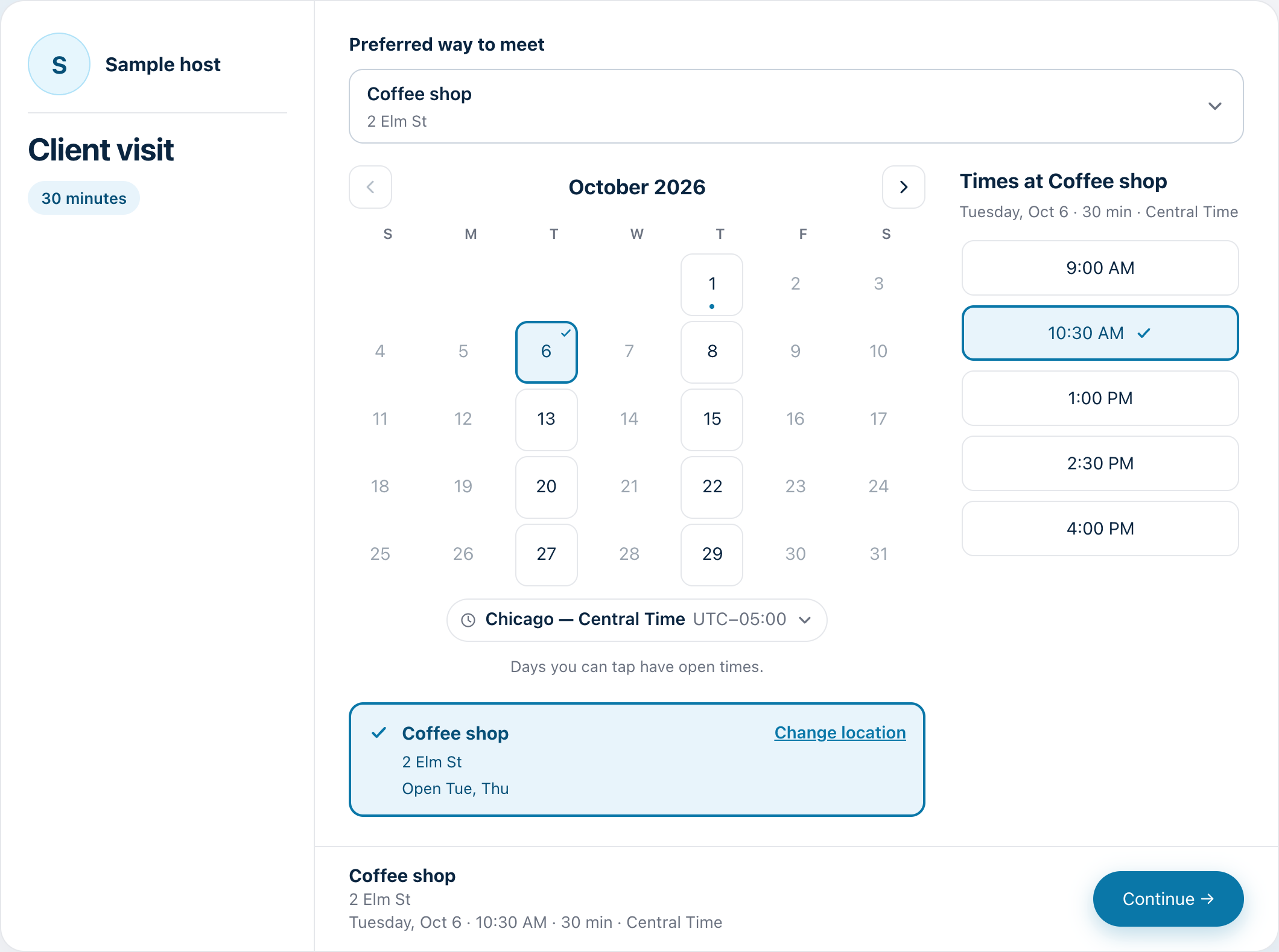
What your guest sees. Sample host and times.
Send the right link for the meeting.
Copy an appointment link from any meeting type, or copy open times for an email.
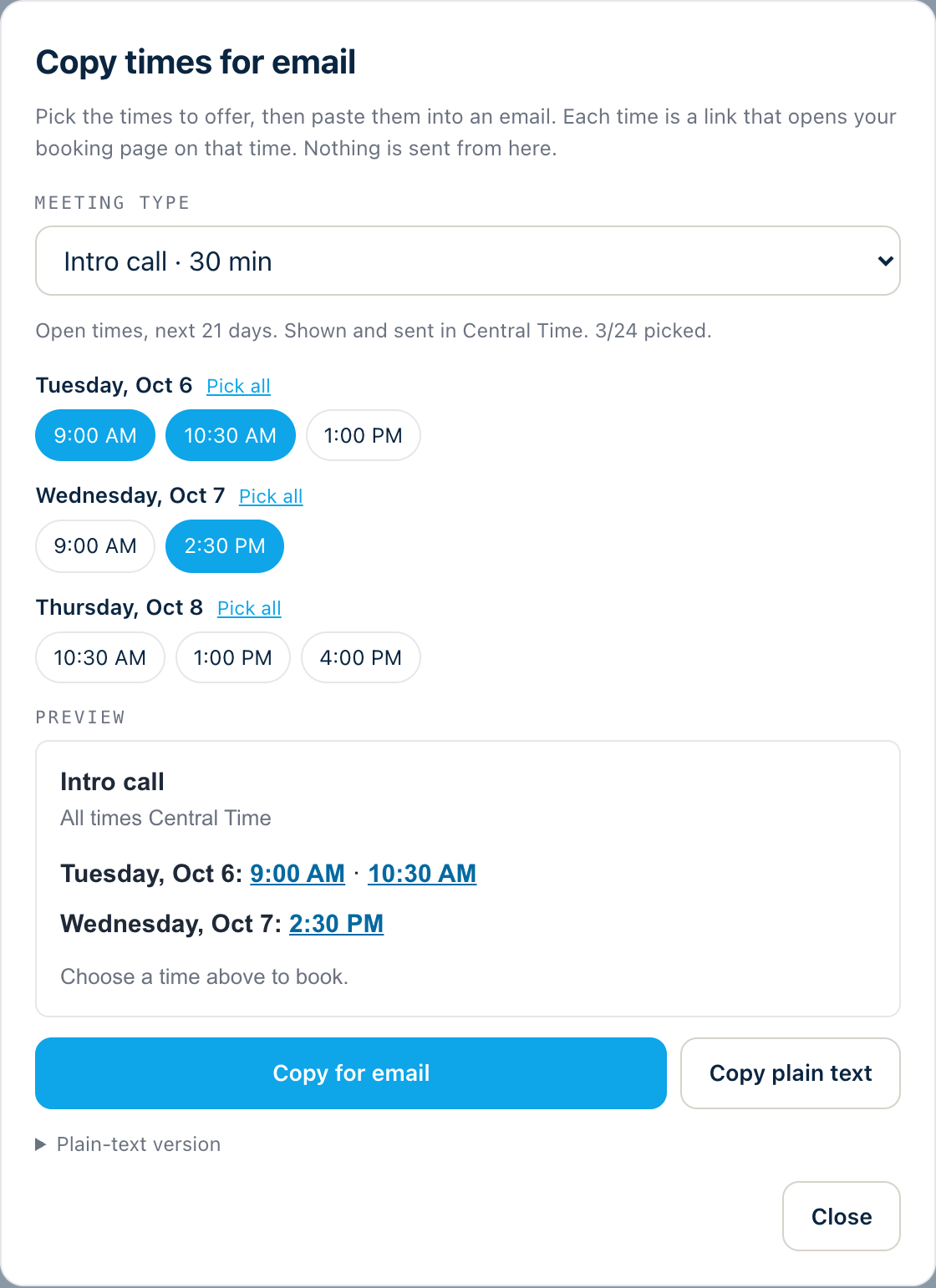
- Copy open times for an email: each time is a link that opens your booking page on that time
- Share a private link for a specific meeting type
A private link is not password protected.
Guests choose, and it is booked.
A guest picks a meeting type, a place and an open time, enters their details, and confirms. The booking is added to your calendar, with details ready for both of you.
- Guests do not need an account to book
- Availability is checked again when a guest confirms
- Guests can see and change their time zone
Before you pick a time.
Cost
Does it cost anything to start?
No. It costs nothing to start, with unlimited meeting types and bookings, a main booking page and up to five extra booking pages. No credit card is required.
Is it right for me?
Who is it for?
Independent professionals who meet clients, teams that share a booking page, and groups finding a time together.
How is it different from emailing back and forth?
Instead of trading messages to find a time, you share one link. Guests choose from times when you are free, and the meeting lands on your calendar.
Is there anything it does not do?
MyAppointment does not have single sign-on or an admin console for large organizations. You sign in with Google or an email and password.
Do guests need an account?
No. Guests choose a time and enter their details.
How it works
Which calendars can I connect?
Google Calendar and Microsoft Outlook, up to 10 accounts in all. Microsoft is a calendar connection, not a sign-up option. With Google, you choose which of each account's calendars count as busy. Each meeting type can add new bookings to the account you choose.
Can guests choose where we meet?
Yes. Add several places, set the days each one is open, and guests see the right place on the right day. You can also offer video or phone.
Can I meet by video?
Yes. Google Meet for Google Calendar hosts, Zoom when connected, or your own link. Outlook hosts can use their own meeting link.
Can I share one page with my team?
Yes. A shared team page shows guests only the times when everyone on it is free, based on each person's connected calendar. Invites go out by email.
Can two people book the same time?
Availability is checked again at the moment a guest confirms. If the time was just taken, the guest is asked to pick another.
How do group polls work?
Create a poll, share it, and everyone answers in one place. You then confirm one time.
Can I find a time with another MyAppointment user?
Yes. Look someone up by their handle and see times that work for both of you, based on your connected calendar.
Can I share open times in an email?
Yes. Copy open times for an email, and each time is a link that opens your booking page on that time. You can also share a private link for a specific meeting type.