
Solutions / Independent professionals
Your time,
made easy to book.
Share one link. Clients pick an open time. It lands on your calendar, and you get on with your day.
Start free. No credit card required.
Already have an account? Sign in
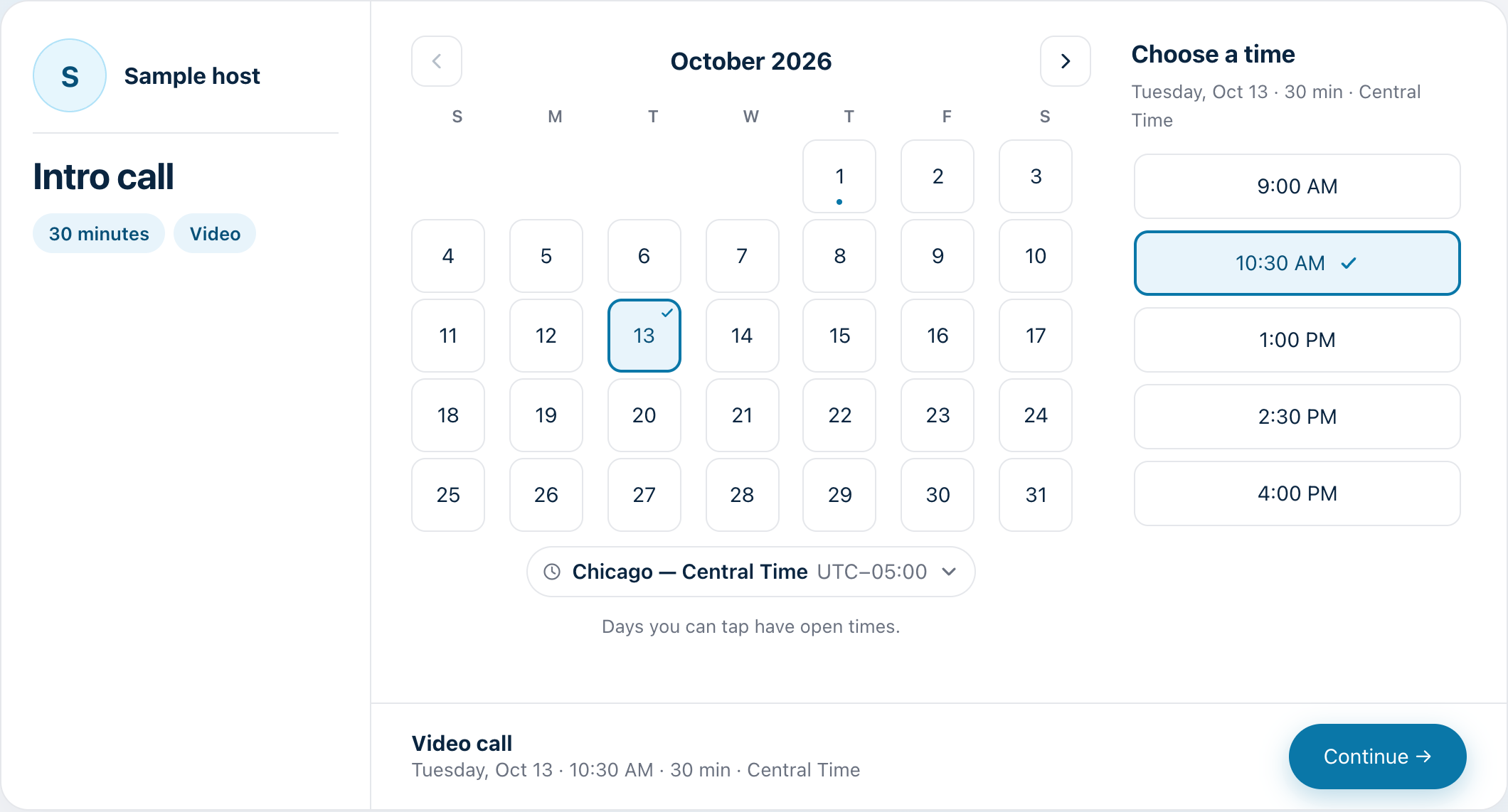
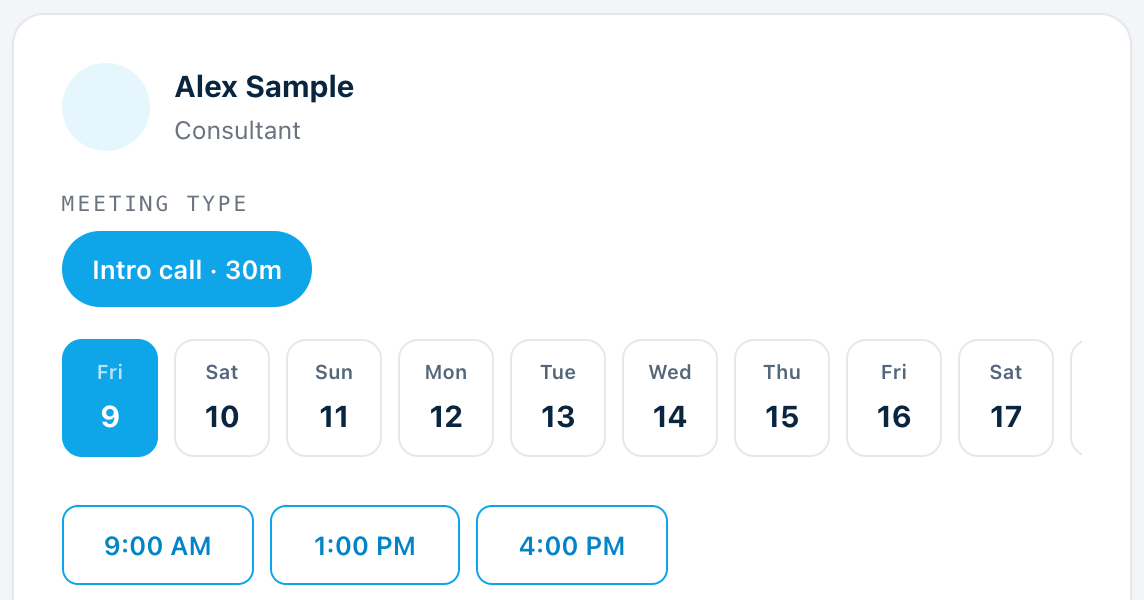
The booking page your guests see. Sample host and times.
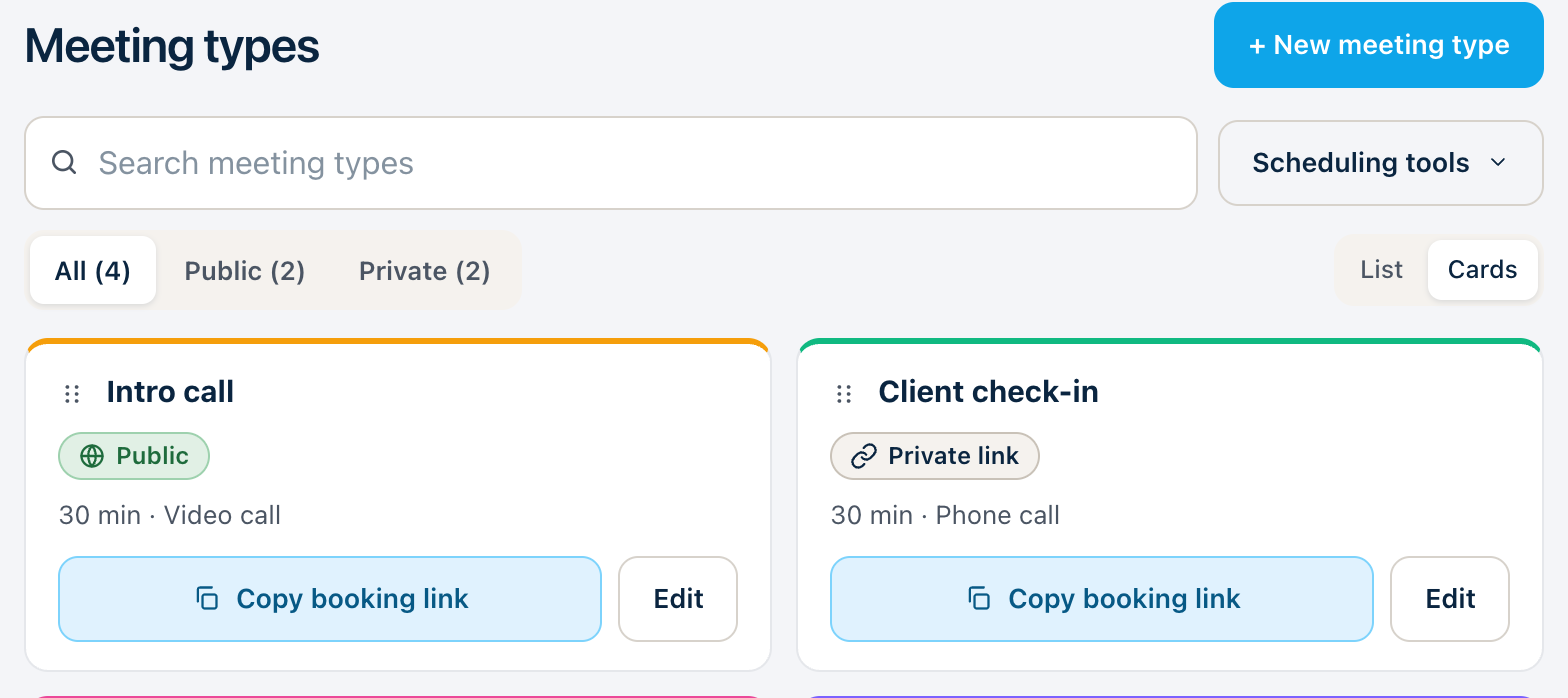
Every meeting starts with a link.
Create booking pages for the different ways you meet, and share a private link when a meeting is for one person only.
- Unlimited meeting types, and up to five extra booking pages
- Private links for a specific meeting type
- No credit card needed
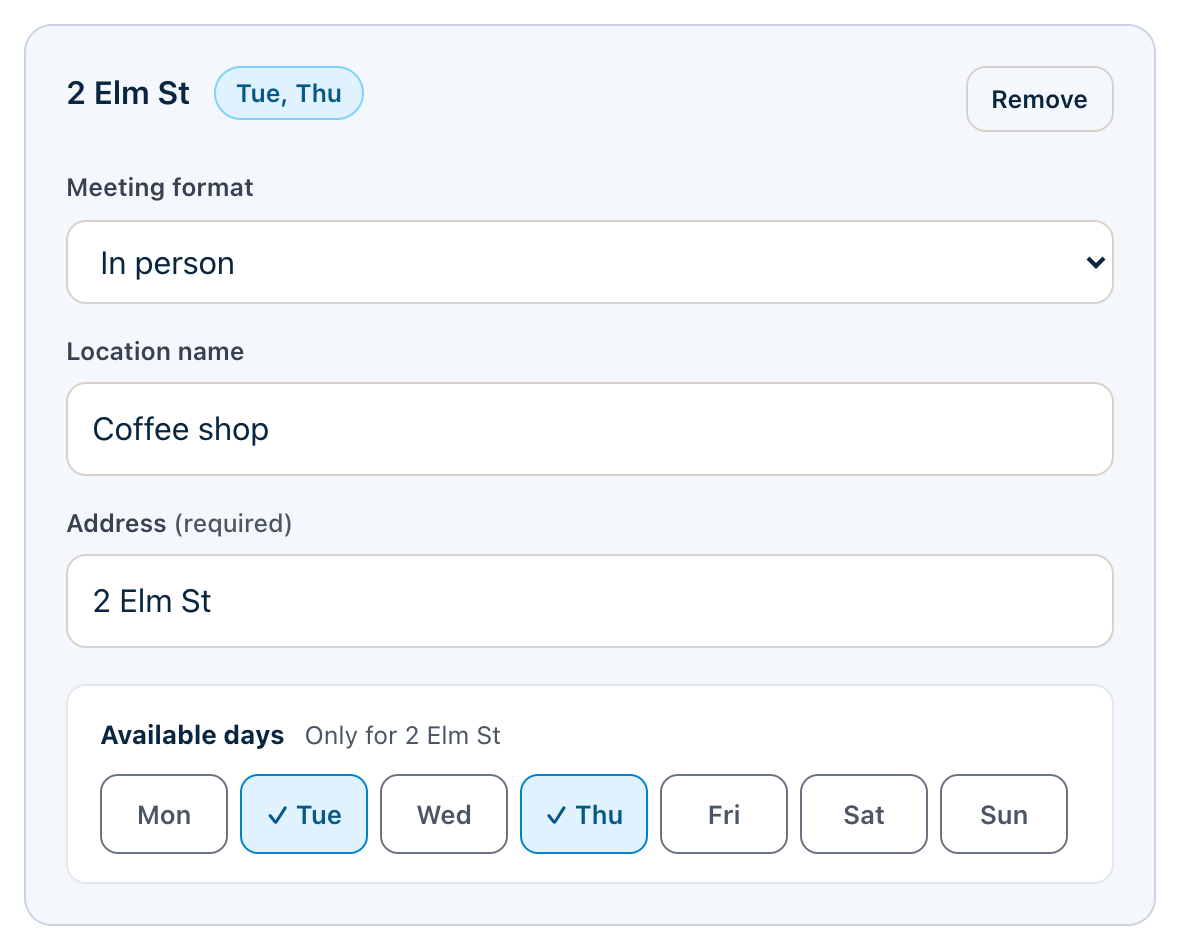
Office, coffee shop, or video.
Offer the places you actually meet, and set the days you meet at each one.
- Google Meet with Google Calendar, Zoom when connected
- Phone, in person, or your own link
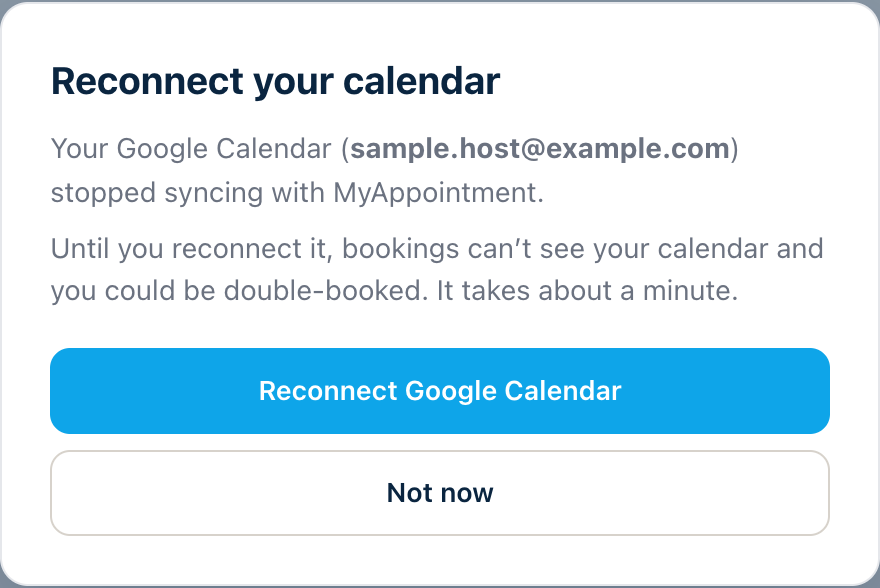
Your calendar stays the source of truth.
Connect Google Calendar or Microsoft Outlook. Availability is checked again at the moment a guest confirms.
- Google Calendar and Microsoft Outlook
- A clear notice if your calendar sync stops

Offer times where the conversation already is.
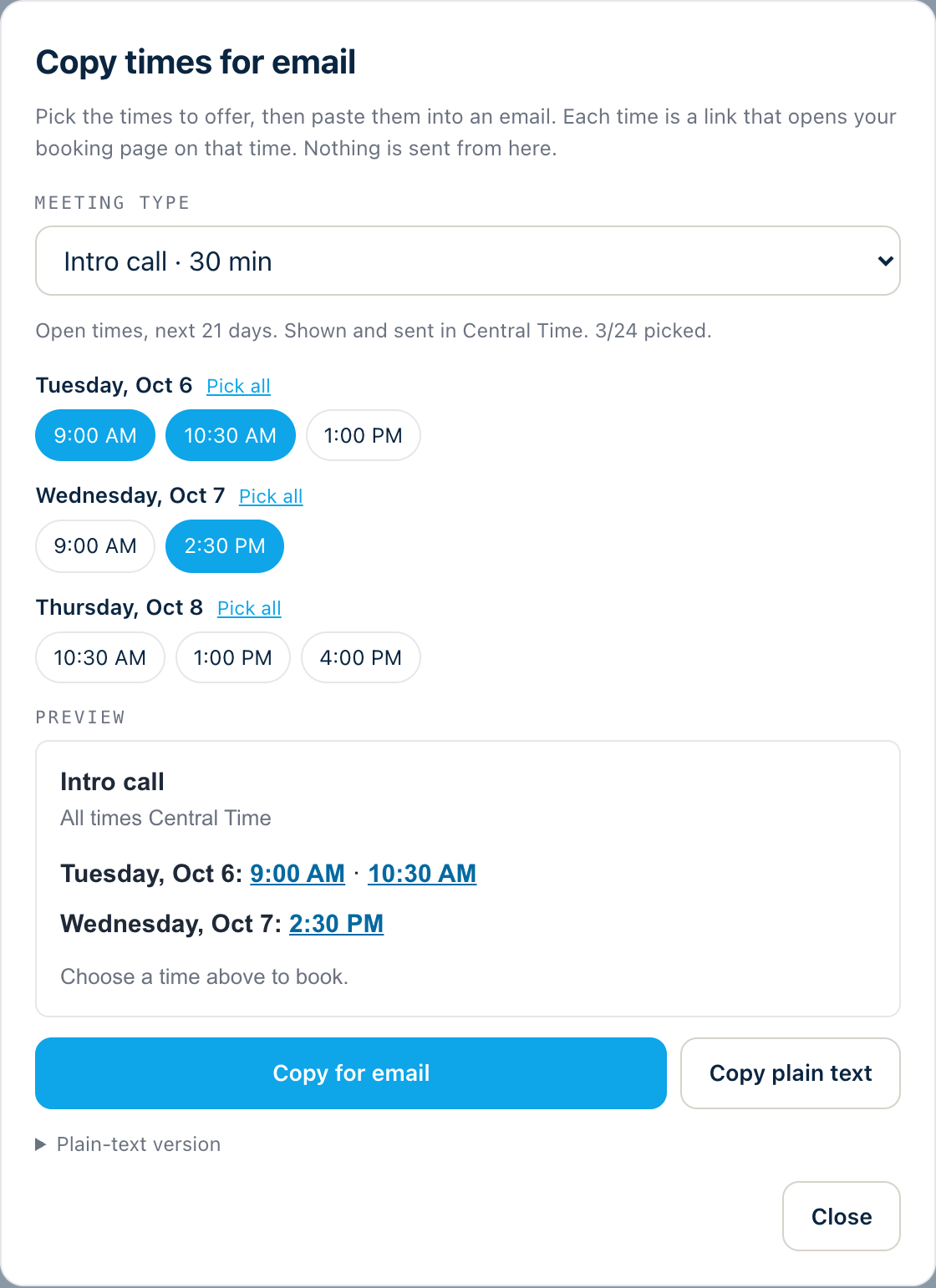
Drop open times into an email, or run a poll when several people need to agree.
See times that work for both of you.
Look up another MyAppointment user by their handle. Their open times are checked against your connected calendar, to help you avoid double booking.
- It is a view: to book, use their booking link
- Connect your calendar in Settings to see the times you share
Three steps. That’s it.
Share your link.
Create a booking page and send it to your client.
They pick a time.
Clients choose a meeting type and an open time.
It lands on your calendar.
The booking is confirmed, with details ready for both of you.