
Features / Send bookings to your CRM
Your bookings,
sent to your CRM.
Send each new, rescheduled or cancelled booking to GoHighLevel, or through a webhook receiver to your CRM.
Start free. No credit card required.
Already have an account? Sign in
Two paths for a booking: directly to GoHighLevel, or through a receiver to your CRM.
Paste an address, send a test.
In Settings, add a destination. GoHighLevel takes the address of its inbound webhook. For Zoho, Salesforce and other CRMs, send to a receiver such as Zapier, Make or Zoho Flow.
- Up to 5 destinations
- Choose new, rescheduled and cancelled bookings
MyAppointment has no direct connection to an individual CRM. A CRM is reached through a webhook.
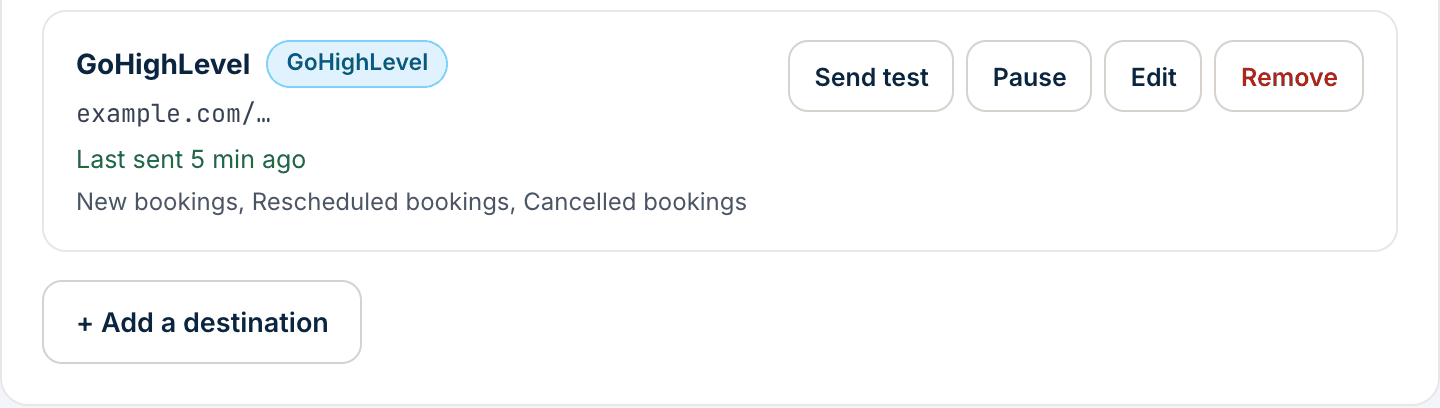
The booking and the booker.
Each message has the booking's time, meeting type and location, and the booker's name, email and phone, plus the name of a guest if one was added, labelled as an invited guest.
- A guest’s email is not sent
- The booker’s notes go only if you turn that on and the booker agrees
- The booker’s change or cancel link is not included
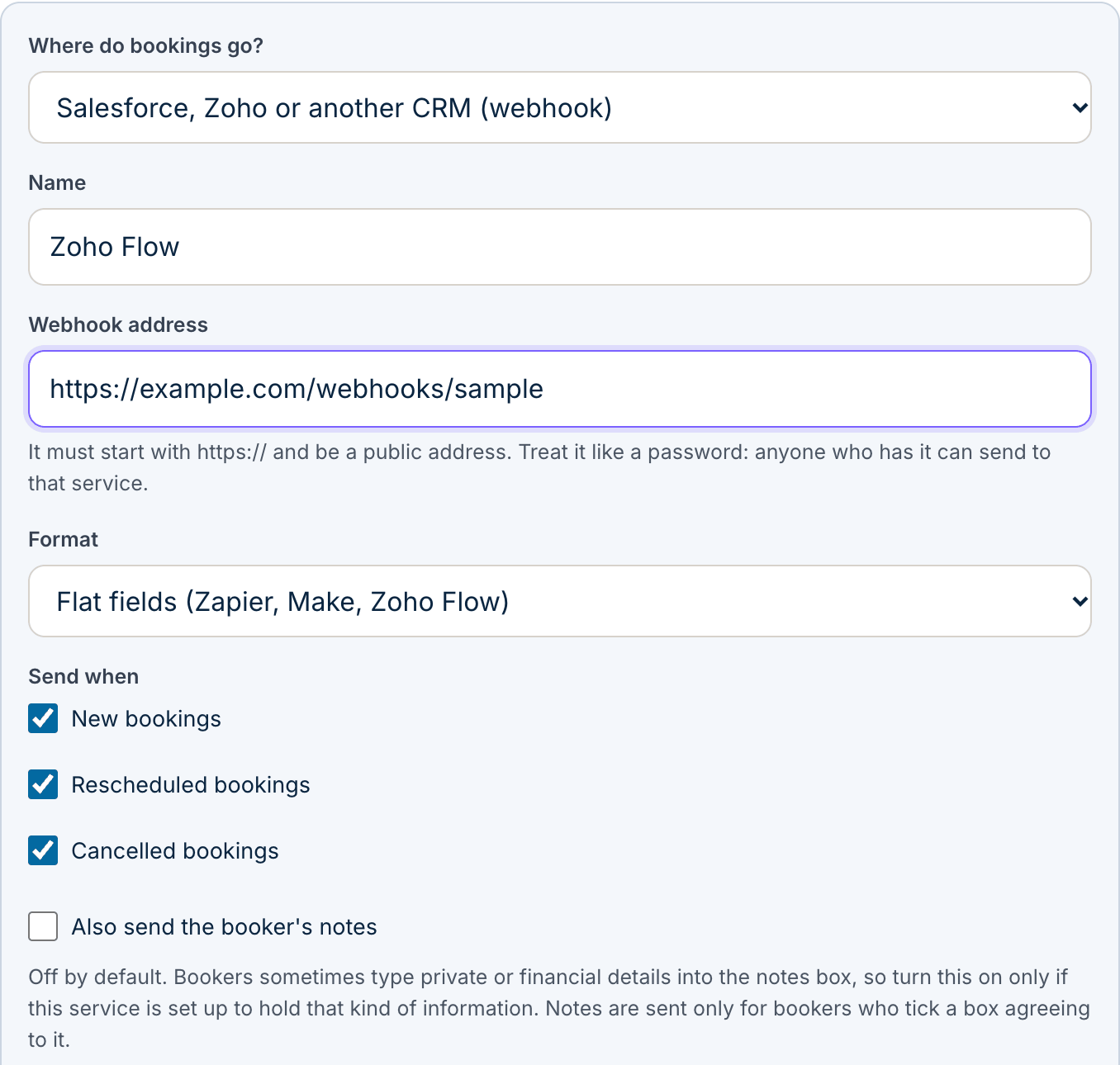
You confirm before anything is sent.
Bookers are told on the booking form that you send their details to a system you chose. Before you save a destination, you confirm your responsibilities for that system.
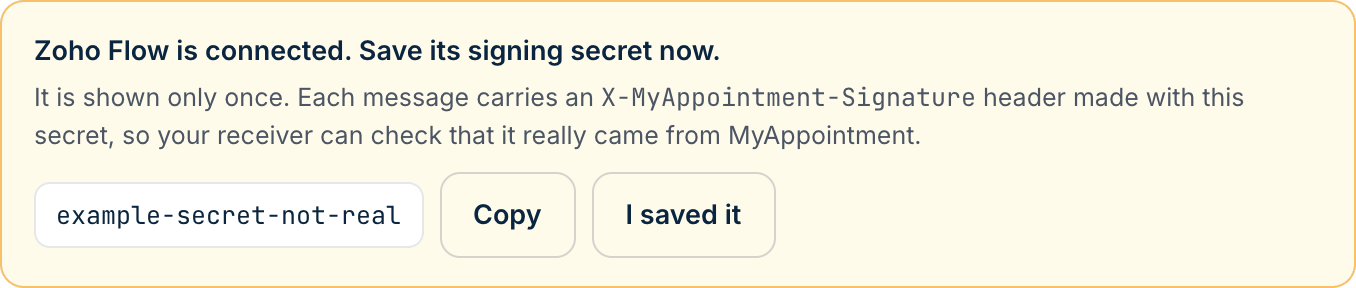
- A signing secret is shown once, so your receiver can check that a message came from MyAppointment
If a delivery fails for a reason that may pass, MyAppointment tries up to three times within a few seconds, then shows the error in Settings. It does not send that change again later.
Three steps. That’s it.
Get an address.
From your CRM or a receiver such as Zapier, Make or Zoho Flow.
Add it in Settings.
Choose what to send and confirm your responsibilities.
Send a test.
Then bookings are sent when they are created, moved or cancelled.