
Features / Locations and availability
Meet where
it works.
Set different available days for your office, coffee shop and video calls, so guests see the right place on the right day.
Start free. No credit card required.
Already have an account? Sign in
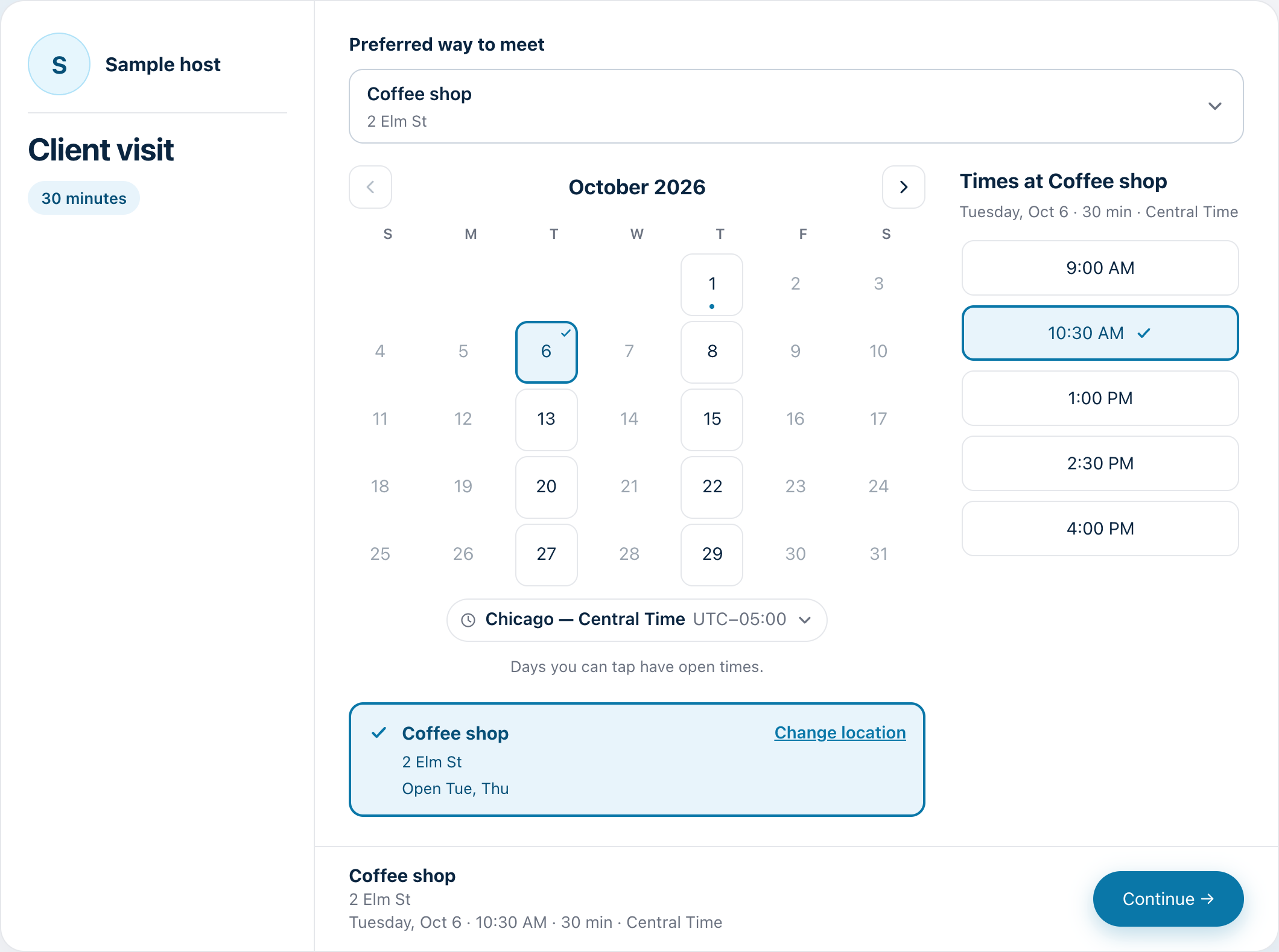
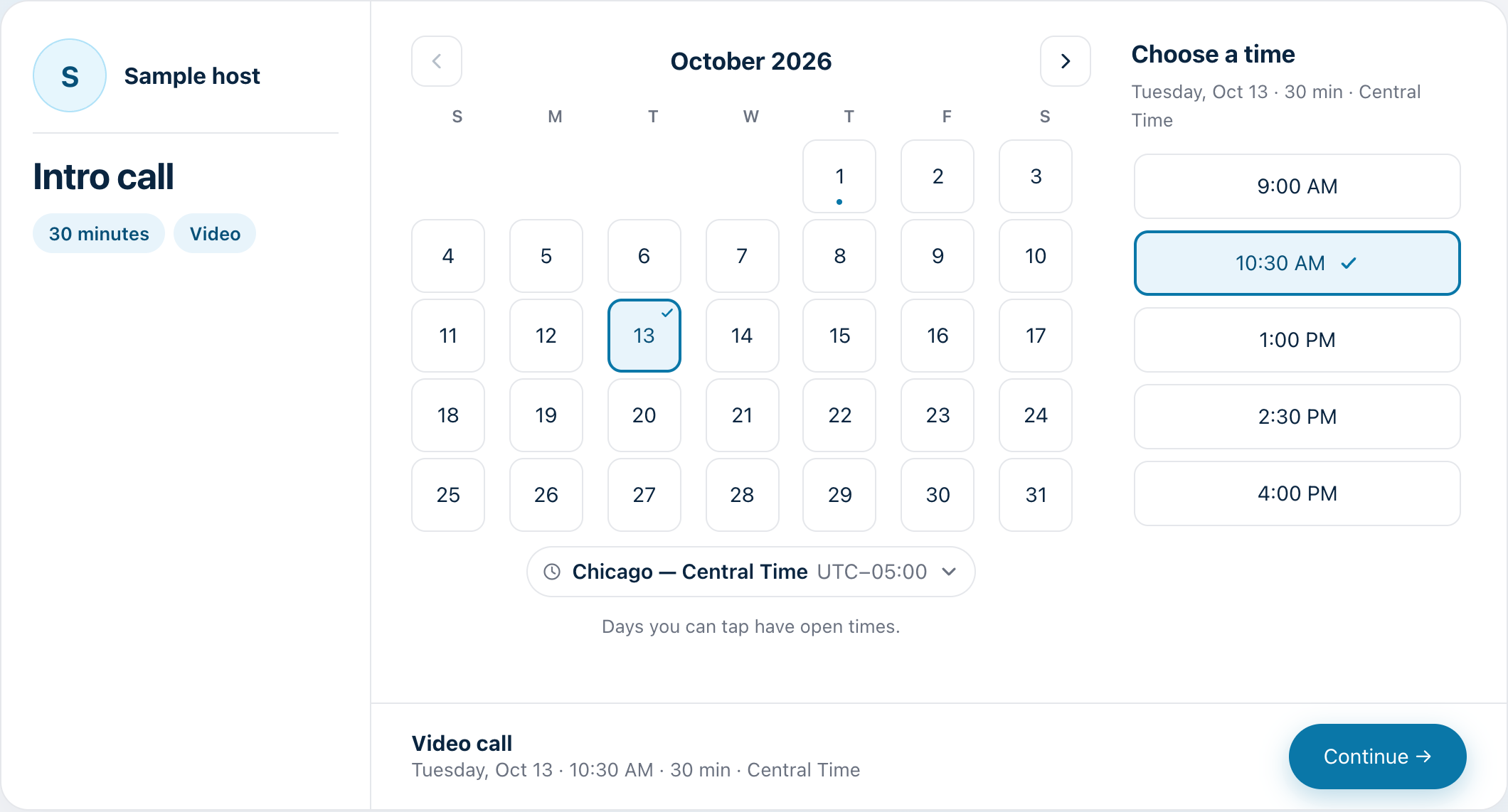
The booking page with a place chosen. Sample host and times.
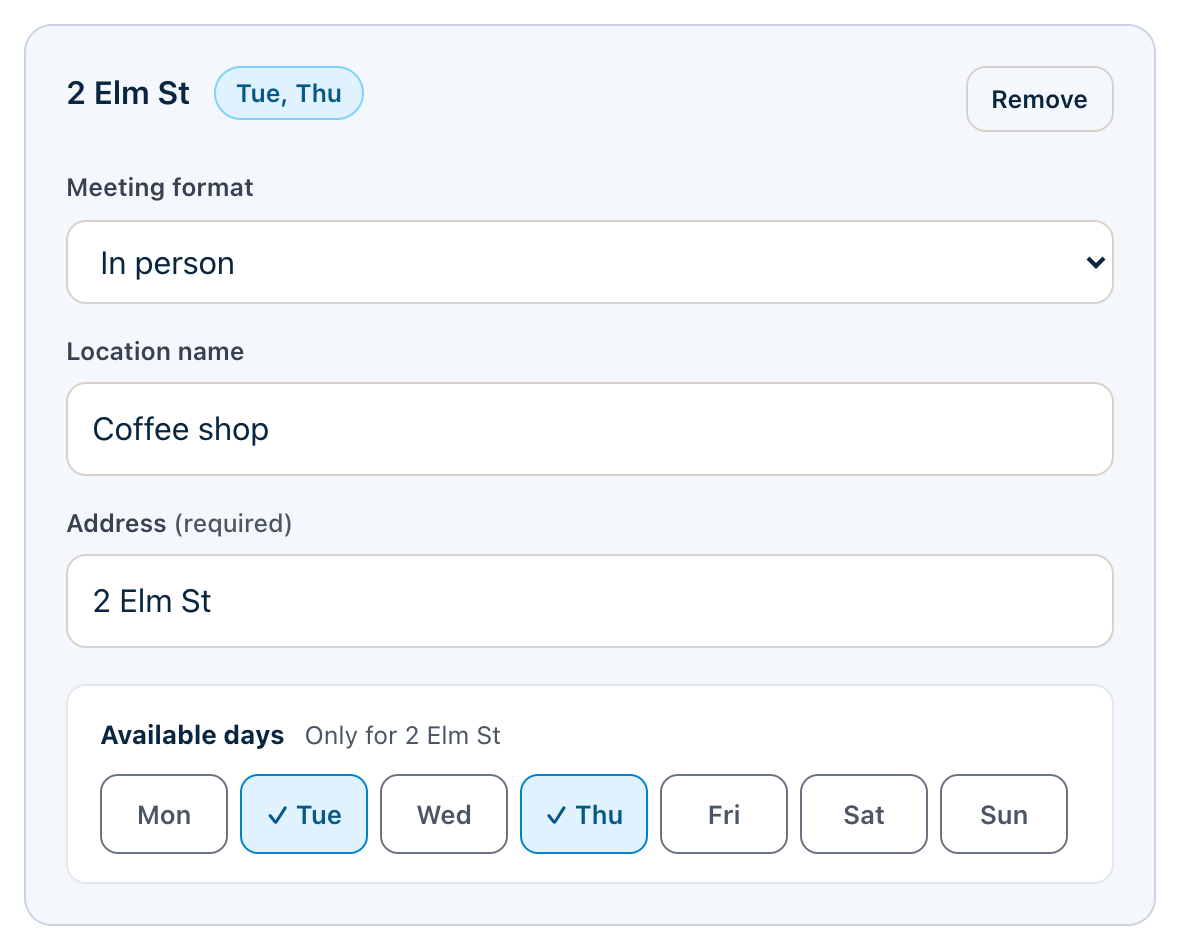
Each place has its own days.
Choose which days each place is open. A guest picks a place and can only tap the days it is available.
- Office Monday to Friday, coffee shop Tuesday and Thursday, video any day
Set the hours for each meeting type.
Choose when each meeting type can be booked, and add buffers and minimum notice.
- Different hours for different kinds of meetings
- Buffers before and after, and minimum notice
- Your connected calendars are checked too, so guests only see times you are free
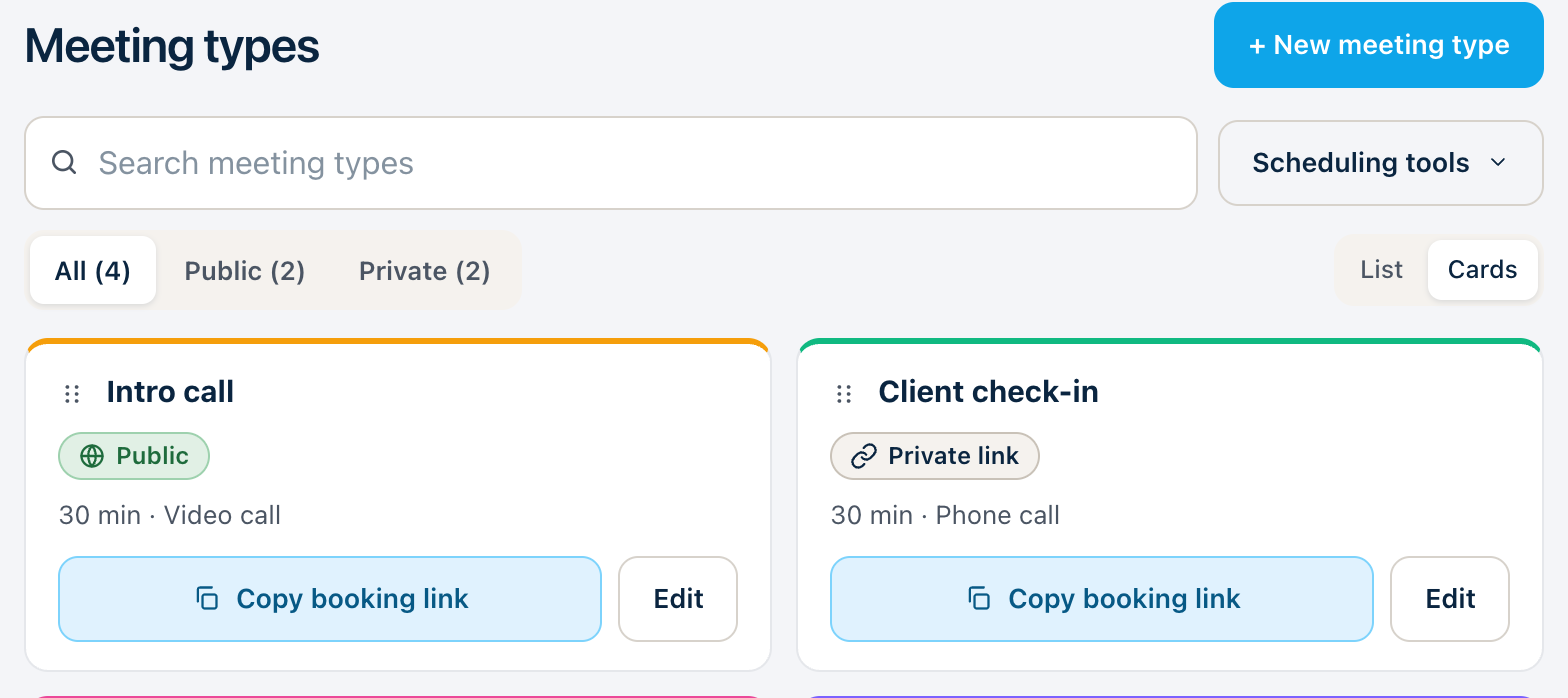
Offer the kind of meeting that fits.
Each meeting type can offer video, phone, in person, or your own link. Guests choose the one that suits them.
Google Meet works with Google Calendar, and Zoom when it is connected. Outlook hosts can use their own meeting link.
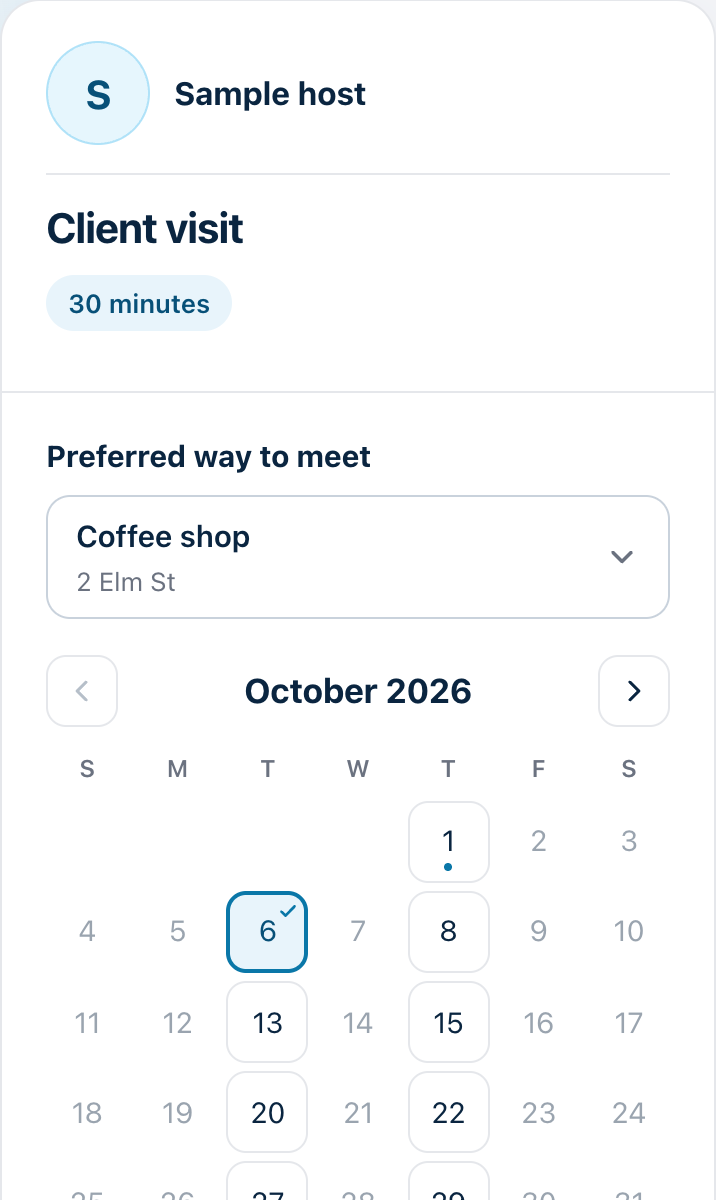
Guests see times in their own time zone.
The booking page shows times in the guest's time zone, and the guest can change it.
Three steps. That’s it.
Add your places.
Office, coffee shop, video or phone.
Choose the days.
Set which days each place is open.
Share your link.
Guests see the right place on the right day.