
Features / Find a time with another user
Find a time
that works for both.
Look up another MyAppointment user by their handle and see the times they offer that are also free on your calendar, or go directly to their appointment page.
Start free. No credit card required.
Already have an account? Sign in
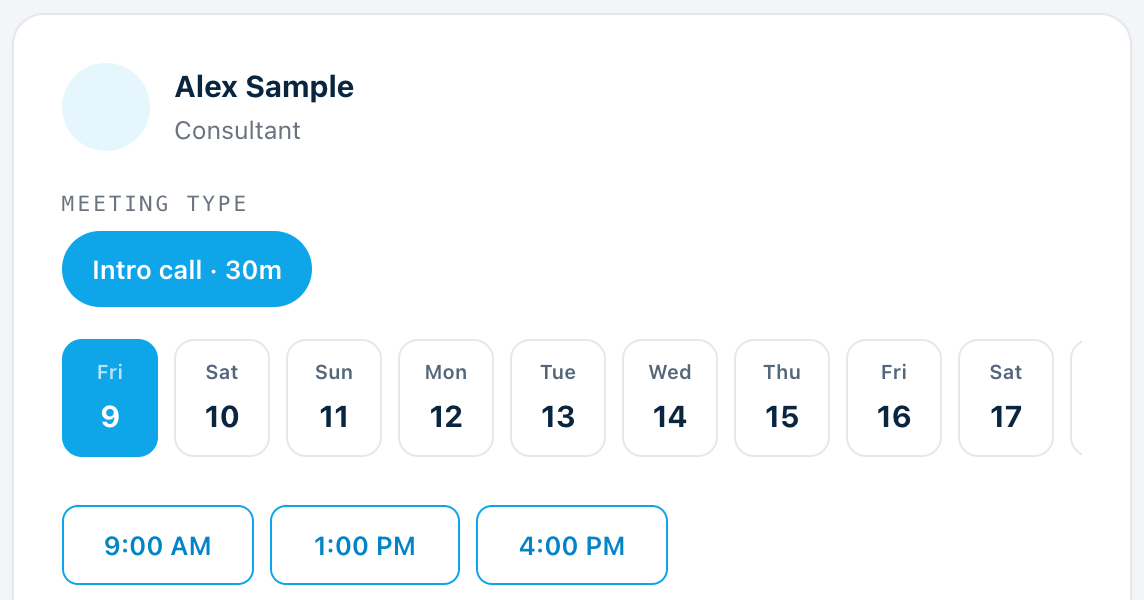
Looking up another user. Sample people and times.
Type a handle, see their open times.
Choose one of their meeting types and see the days and times they are open, the same times anyone sees on their booking page.
- Works for any MyAppointment user with a public booking page
- You see open times only, not what is on their calendar
Only times that are free for both.
Times that clash with your own calendar are left out, so everything you see works for you and for them.
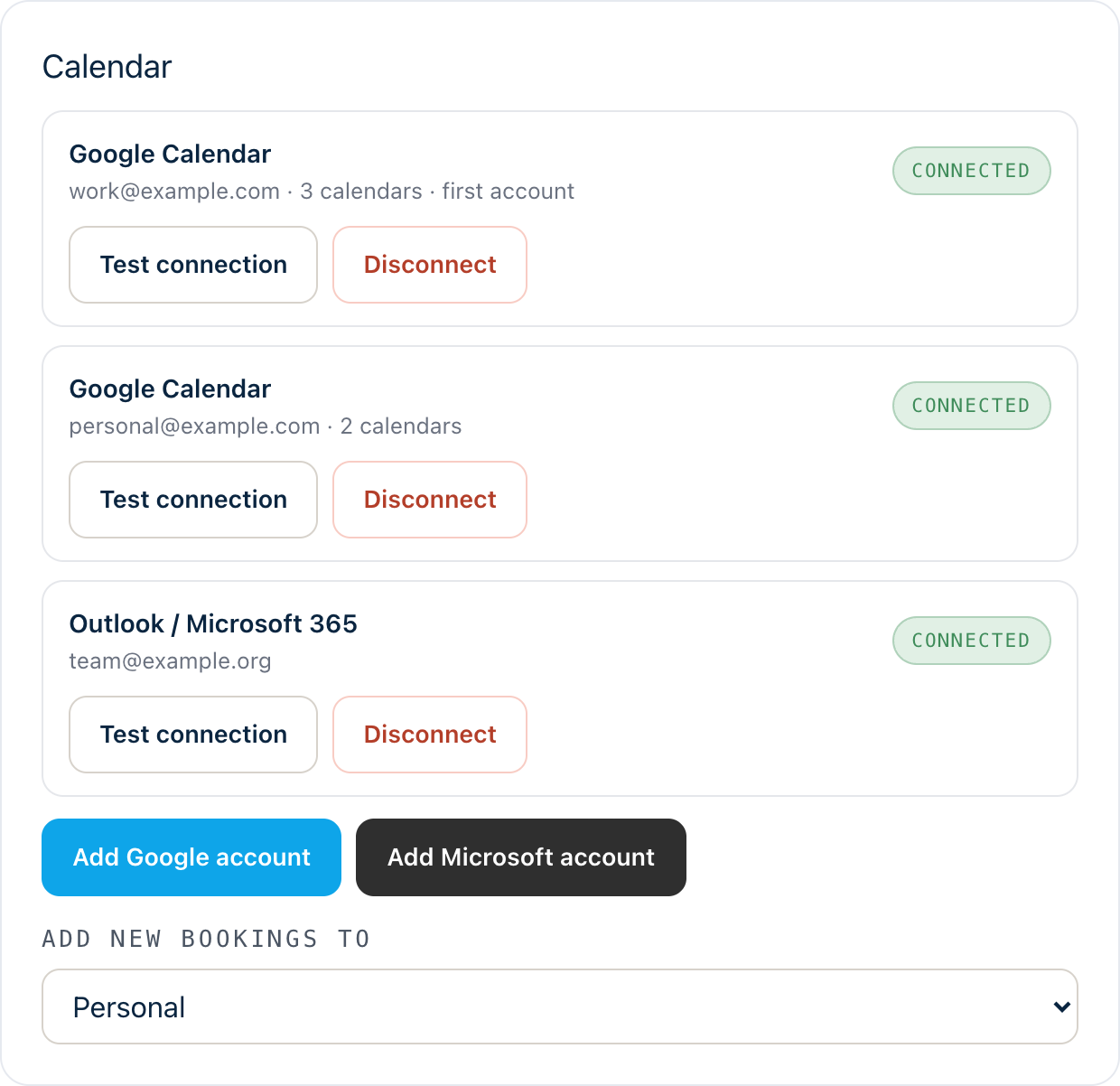
- Your connected calendars are checked for you
- Connect a calendar in Settings to see what is mutual
If your calendar is not connected, you see their times only.
Look first, or go straight to their page.
Finding a time does not book anything. When you have a time, open their appointment page from the results and book it. You can also go directly to their appointment page at any time.
- An Open their booking page link sits beside their name
- Nothing is sent to them until you book
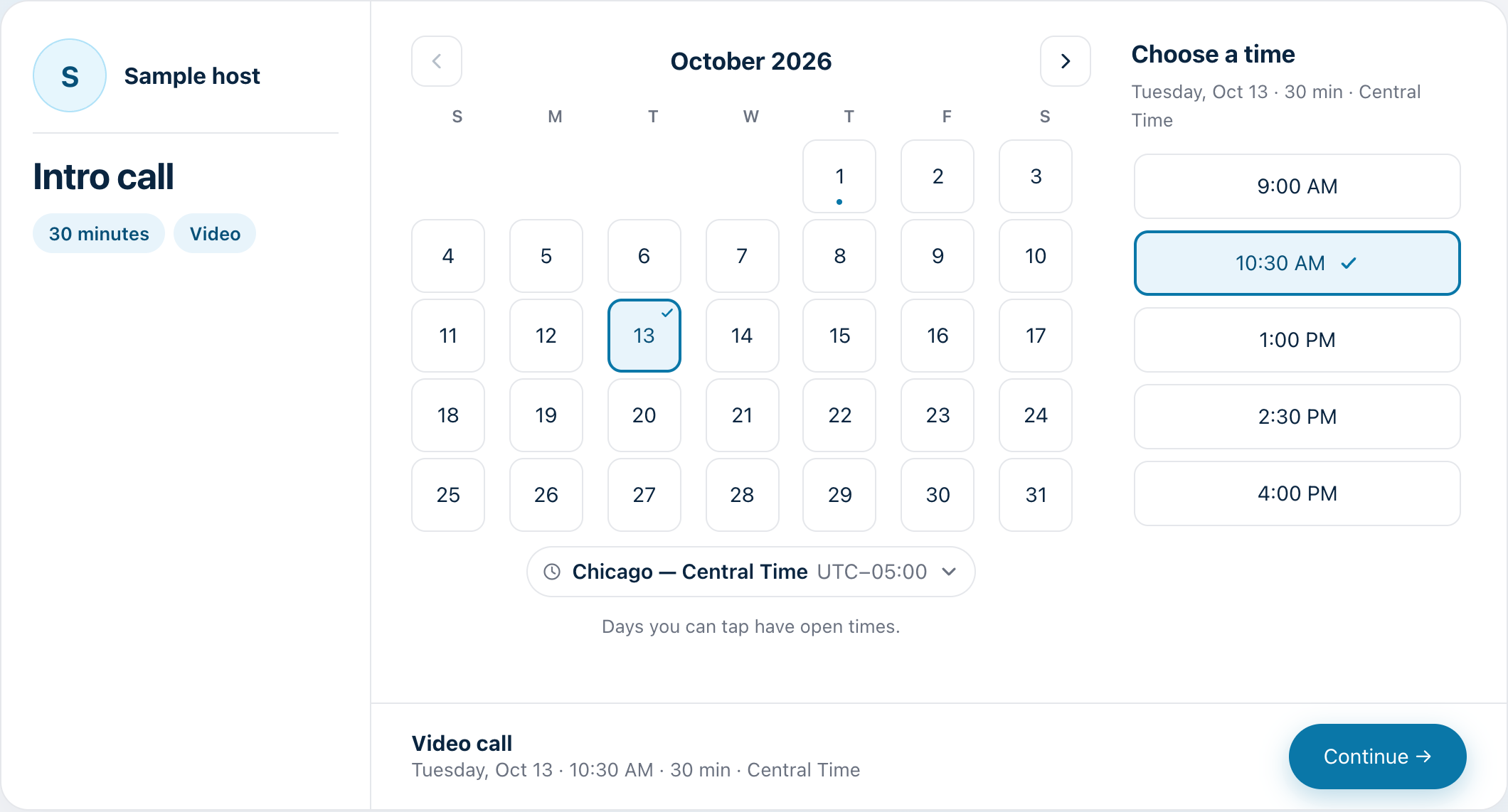
Three steps. That’s it.
Look up a handle.
Type the other person’s MyAppointment handle.
See the times that work.
Times that clash with your calendar are left out.
Open their appointment page.
Choose a time and book it there.