
Features / Add to calendar, change or cancel
Guests can manage
their own booking.
After booking, guests add the meeting to their calendar and change or cancel it themselves, without an account.
Start free. No credit card required.
Already have an account? Sign in
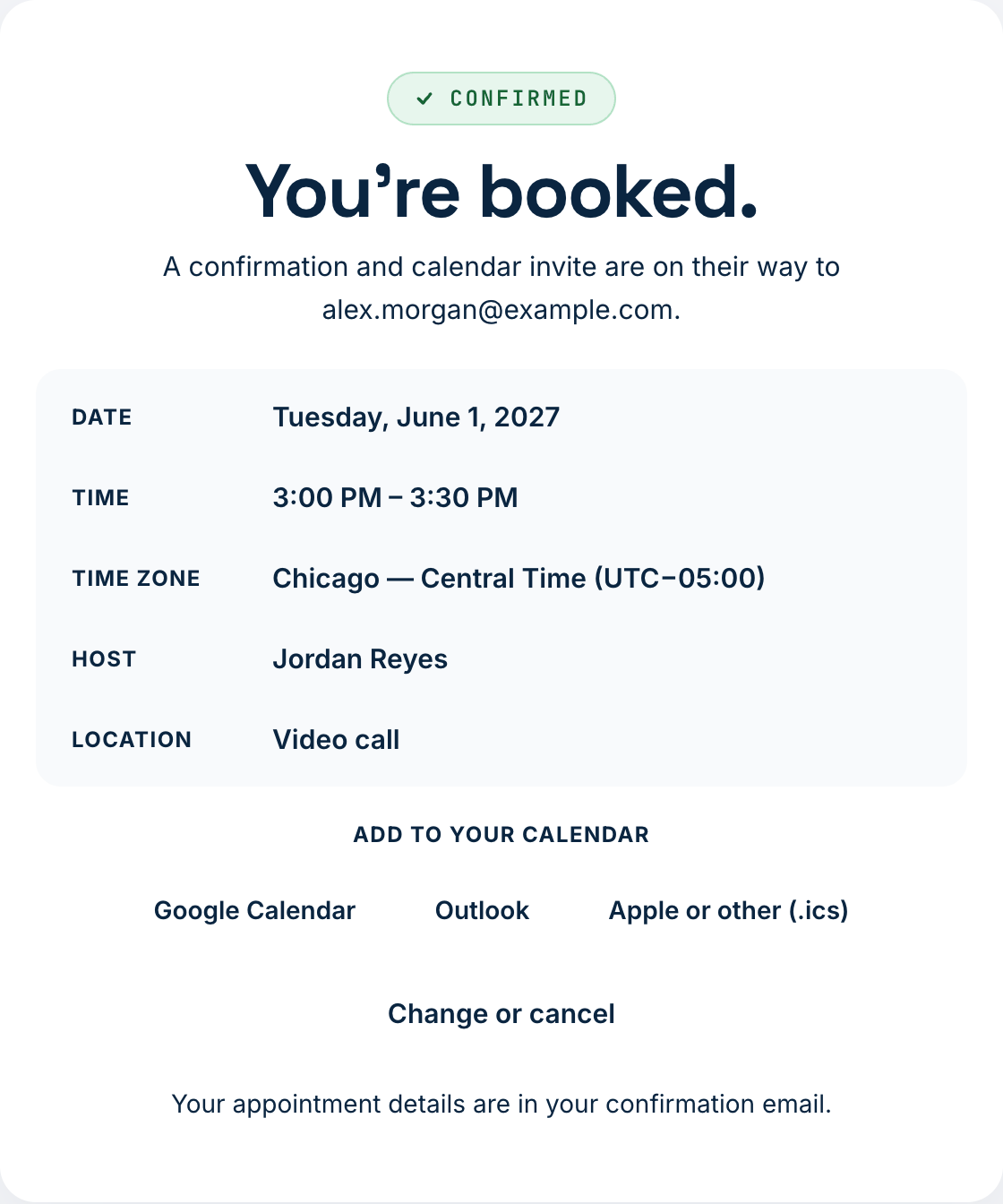
A booking confirmation with sample details.
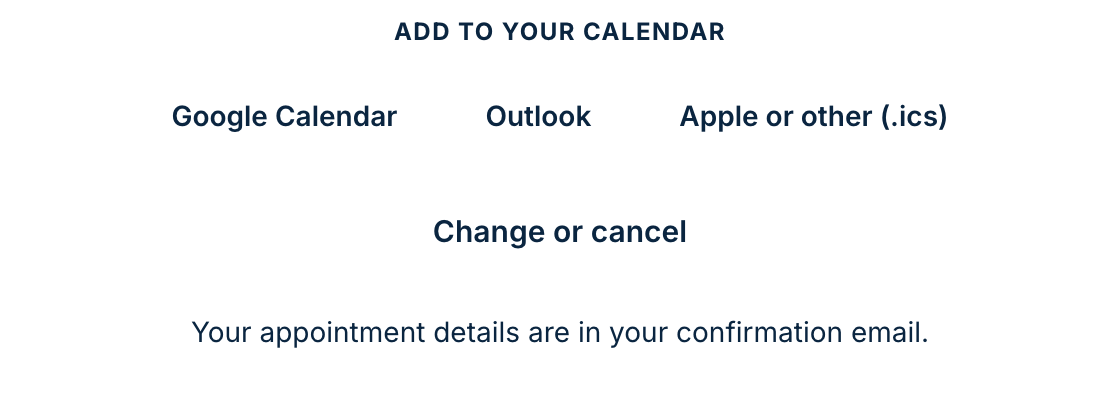
Add it to their calendar.
The confirmation shows buttons for Google Calendar, Microsoft Outlook, and a file for Apple Calendar and others.
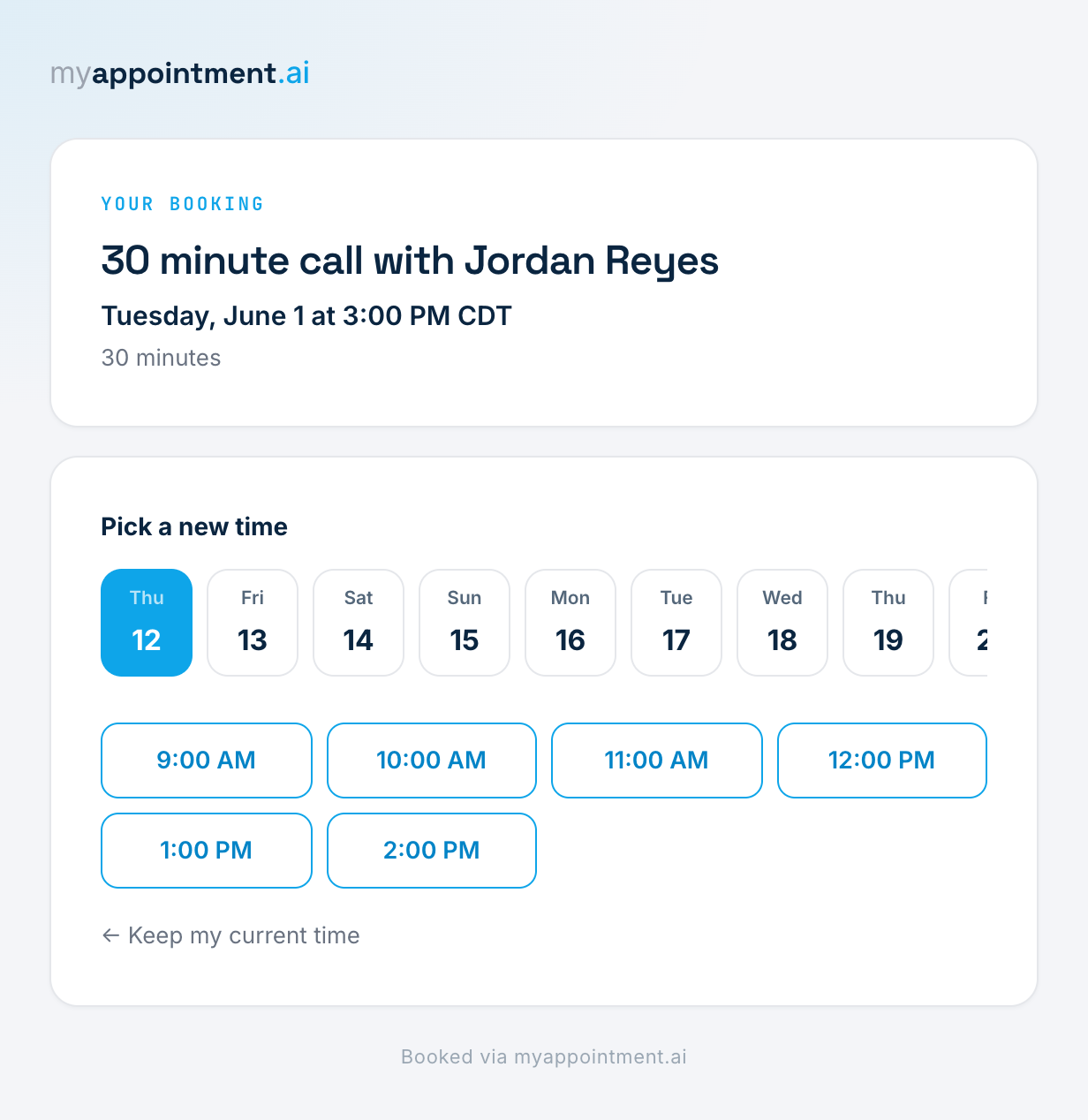
Pick a new time.
The guest's change or cancel link, in their confirmation email, opens a page where they choose another open time from your live availability. You can add the same link to your own reminder messages.
The link is private to the guest. Anyone who has it can change or cancel that booking, so guests should keep it to themselves.
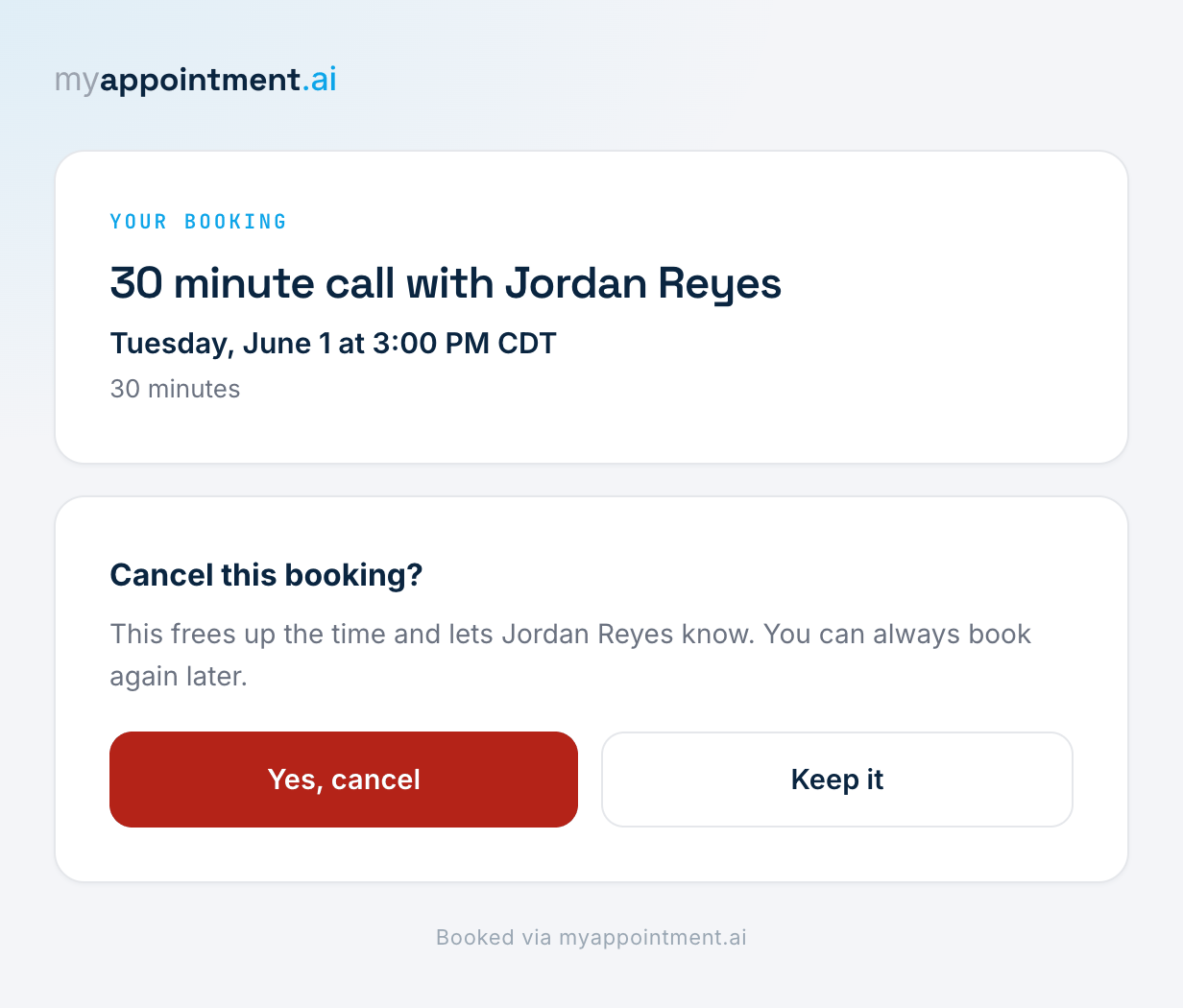
Cancel from the same page.
The guest cancels from the same page, with a confirmation step, and you are notified.
Three steps. That’s it.
Guest books.
They see the confirmation.
Guest adds it to their calendar.
Google Calendar, Microsoft Outlook or a file.
Plans change.
They use the link in their email.